Hi friends,
Please update the avatar with your photos. Smiley in all the posts looks very odd. Seeing your face in the posts will be good.
To update the avatar, follow the below steps
1.Go to the “My Account” in the top black band.
2.Go to “Profile” and click “Change Avatar 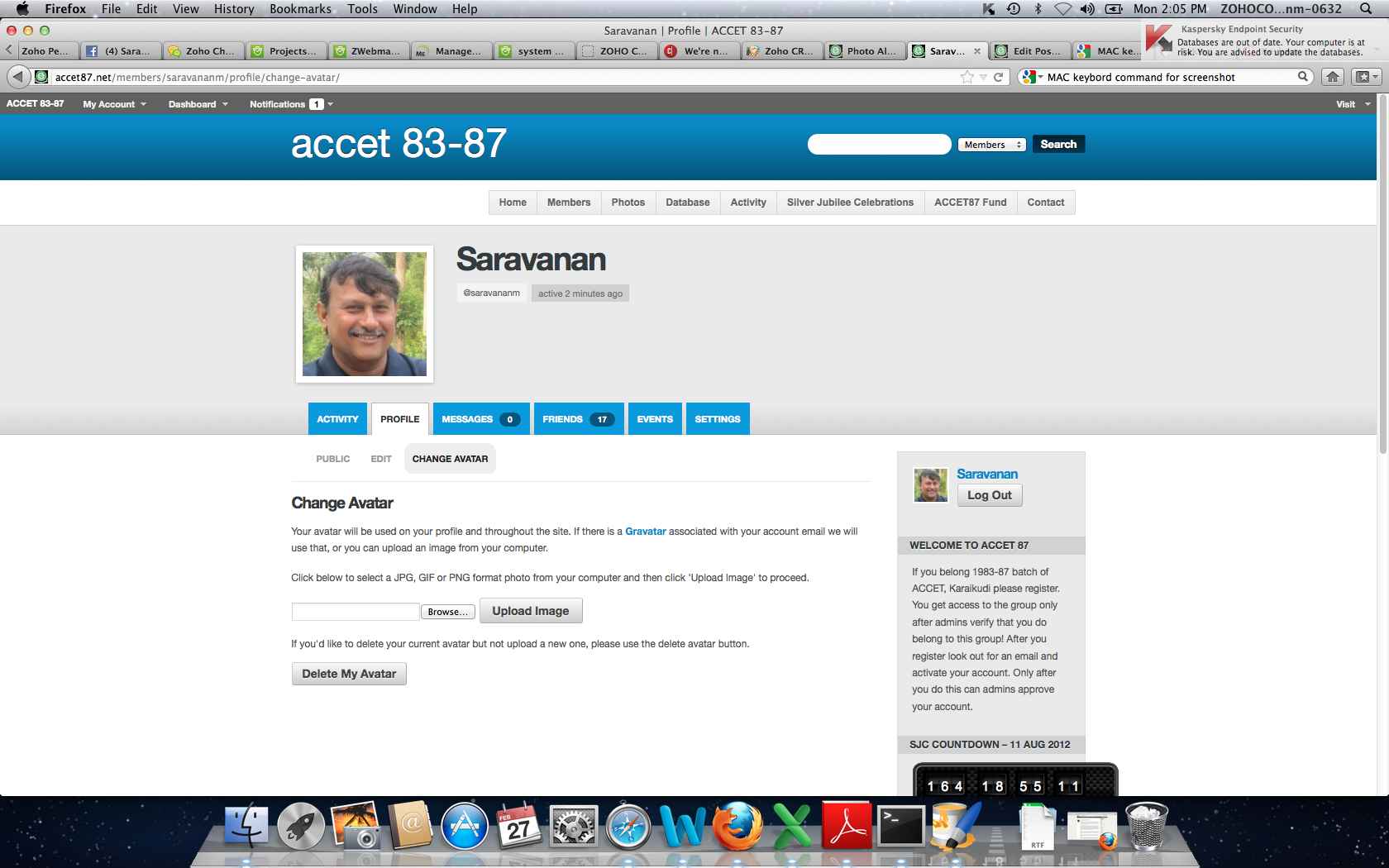
3. Choose your photo (the extension is .gif or .jpg)
4. Click Upload Image button. Your Avatar will be updated.
VP